Square Photo Padder
Keep the whole photo.
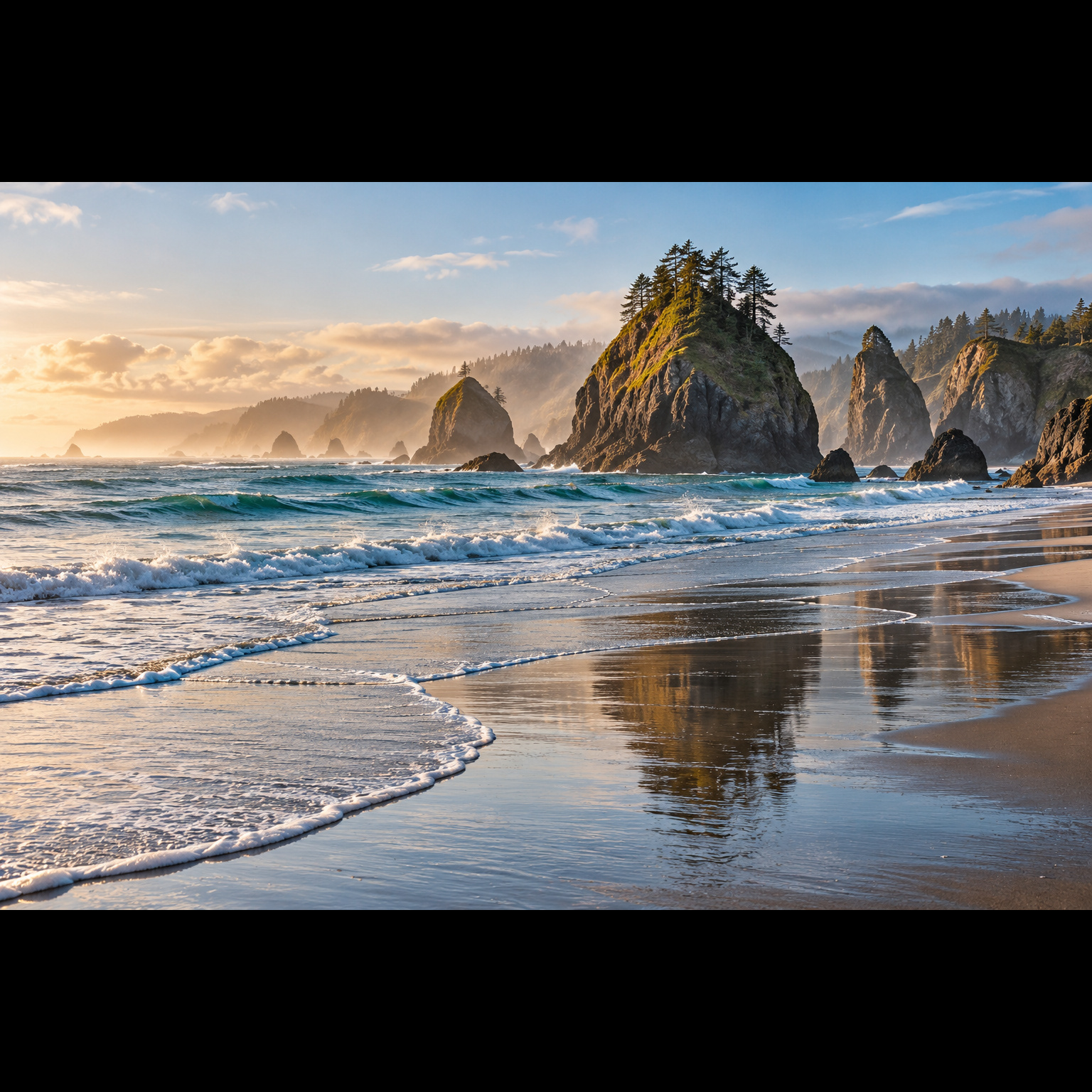
Make room for square.
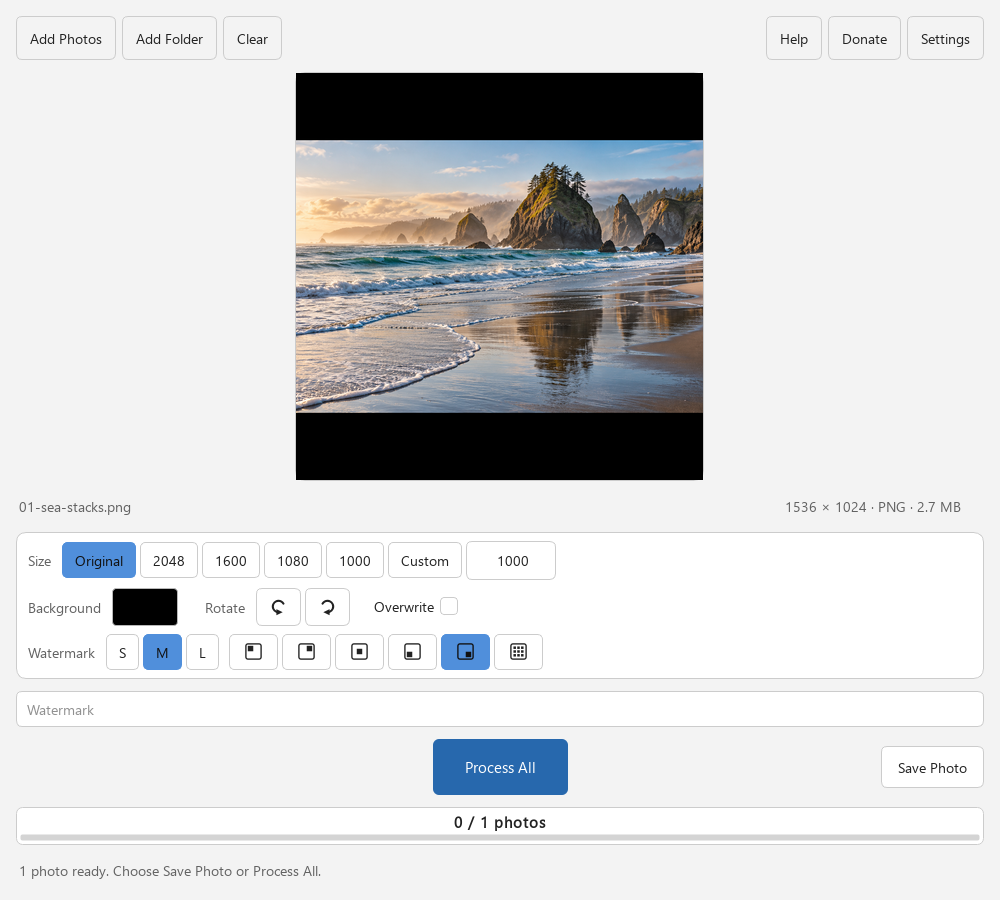
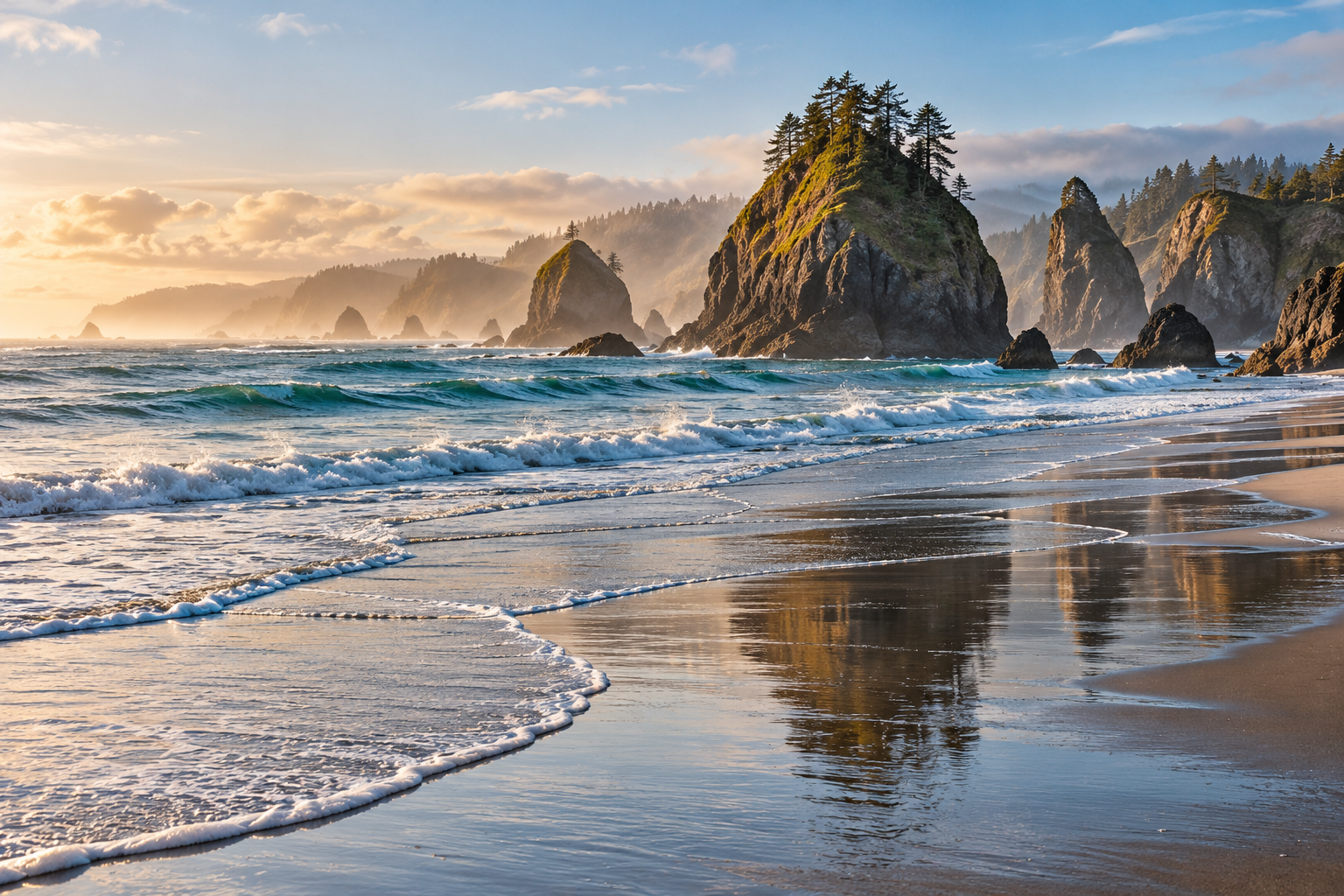
Add a background around your photos instead of cropping them. Preview the result, then save consistent square JPEGs.
Stable · 1.2.2Free · Windows & Linux · x64
A few useful answers
Before your first run.
What happens to my files and settings?
Square Photo Padder imports, previews and processes images locally. It does not upload your photos or require a cloud account.
The app remembers ordinary interface preferences on your computer. Square JPEG outputs are saved beside the source files and omit EXIF, GPS and author metadata. Numbered copies are the default; enabling Overwrite can replace source .jpg files.
A watermark, filename, screenshot or report may contain personal information. Review what you share. The optional Donate button opens the studio’s external Ko-fi page.
Removing embedded metadata does not remove personal information visible in a photo or its filename. Check outputs before sharing them.
Read the studio privacy details.
Is every feature free?
Yes. There is no paid feature tier or required donation. Supporting the studio is optional.
How do I report a problem?
Use the Square Photo Padder issue tracker. Include the app version, operating system, steps, and a small synthetic example. Public issues are visible to anyone: remove personal filenames, folder paths and other private details.